










Frequently Asked Questions about Used Cars with Android Auto in Austin, TX
Can I find used Mazda models equipped with Android Auto?
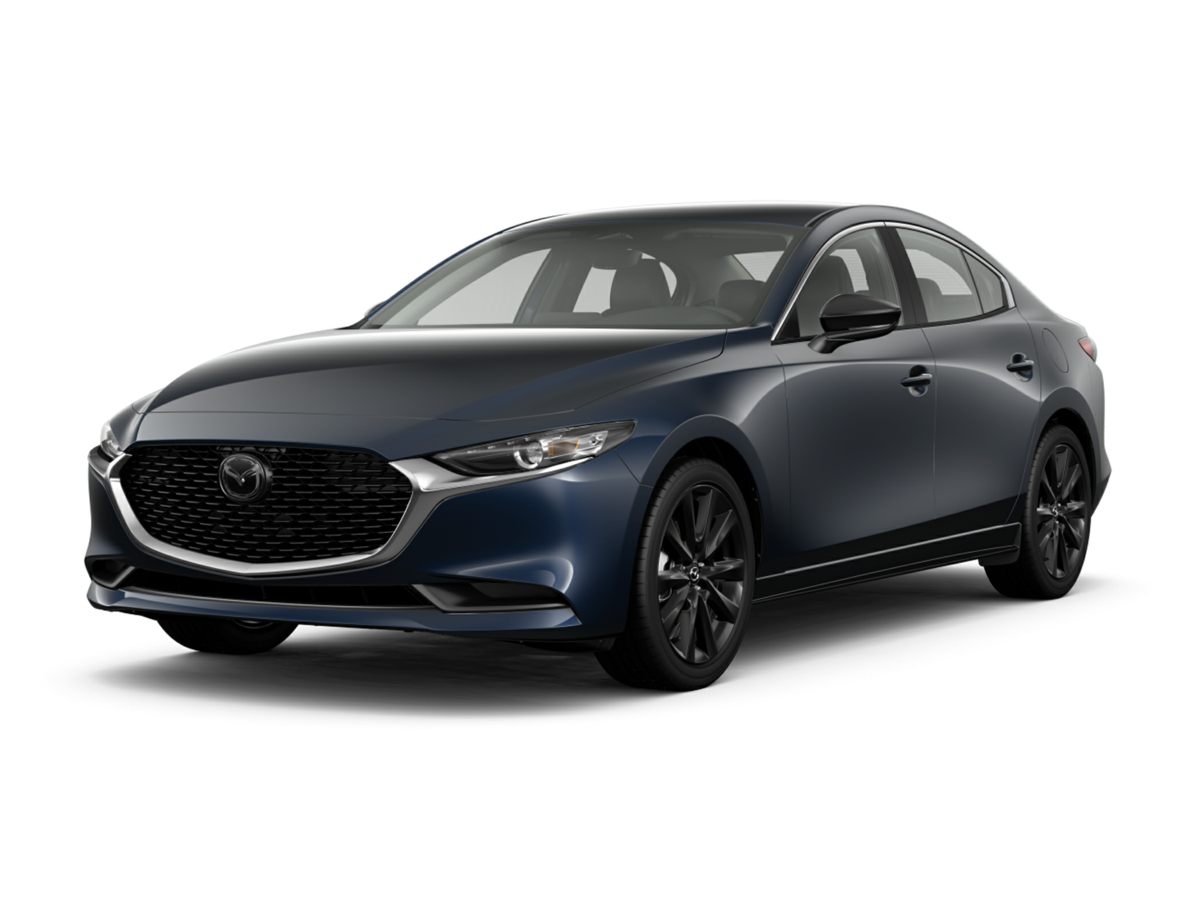
Many pre-owned Mazda models, such as the Mazda CX-5 and MAZDA3, feature standard or available Android Auto integration. You can verify the specific equipment of any vehicle in our inventory by checking the detailed listing or visiting our showroom.
Why is Android Auto useful for driving in Austin?
Android Auto allows you to project your smartphone apps onto the vehicle display, helping you manage navigation and music hands-free while navigating busy corridors like I-35 or US-183. It keeps essential information accessible without distracting you from the road.
Do I need a special cable for Android Auto in a used vehicle?
While some newer systems support wireless connectivity, many vehicles require a high-quality USB cable to initiate the connection. It is a good practice to test your specific phone with the vehicle's infotainment system during a test drive.
Can Roger Beasley Mazda Central help me upgrade my current vehicle's tech?
If you are looking for specific connectivity features, our team can help you browse our current inventory to find a model that meets your requirements. We recommend checking our used car selection to see which vehicles provide the tech-forward experience you need.
Is Android Auto compatible with all smartphone models?
Android Auto is designed for phones running the Android operating system. We suggest confirming that your device is updated to the latest software version to ensure a smooth and reliable connection when you test drive a vehicle at our dealership.
Have Additional Questions?
Our team is ready to provide the information you need to make an informed choice for your next vehicle.
Whether you have questions about specific trim levels or want to learn more about our current inventory, we are here to help.
Visit us to see how these features function in a real-world setting.
Why Integrated Tech Matters for Austin Drivers
In a city like Austin, where your daily routine might involve navigating the morning rush on US-290 or heading out for a weekend trip to McKinney Falls State Park, having seamless smartphone integration is more than a luxury. Android Auto brings your familiar interface to the dashboard, allowing you to focus on the road while managing navigation, messages, and your favorite audio apps.
When you choose a vehicle equipped with this technology, you are prioritizing convenience and focus. You can browse our current inventory to find models that keep you connected without requiring you to reach for your phone while driving.
- Real-time traffic updates help you adjust your route when congestion builds on local highways.
- Voice-activated controls allow you to send messages or skip tracks without taking your hands off the steering wheel.
- Consistency across your devices ensures that your music playlists and navigation history are always ready to go.
Whether you are tackling a commute or managing errands, this feature makes the driving experience feel more intuitive. It transforms your car into an extension of your digital life, ensuring you stay productive and entertained safely.
As you plan your visit, consider which apps you use most frequently. Testing these apps during a test drive at Roger Beasley Mazda Central will give you the best sense of how the system handles your specific usage patterns.
Finding the Right Vehicle for Your Lifestyle
The Mazda lineup offers several models that cater to different needs, from the compact agility of the MAZDA3 Hatchback to the spacious, family-friendly design of the CX-90. Many of these vehicles come equipped with the technology you want, meaning you do not have to compromise on features to get the right body style for your garage or parking situation.
If you are planning to finance your next vehicle, it helps to know which trims or model years include your preferred tech. You can get financing information online to understand your budget before you schedule your visit.
- Two-row crossovers like the CX-5 and CX-50 are excellent for city parking and frequent errands.
- Three-row SUVs like the CX-90 PHEV provide extra seating and cargo room for family outings.
- Sedans like the MAZDA3 offer a balanced, fuel-efficient option for those who prioritize a traditional car feel.
Consider your typical passenger and cargo requirements. For example, if you frequently transport gear to Austin-Bergstrom International Airport, having a vehicle with flexible seating or a power liftgate paired with reliable navigation can simplify your airport runs.
Take a moment to evaluate your daily needs. Do you need the high seating position of an SUV for better visibility, or does a sedan's low-speed maneuverability better suit your neighborhood streets?
Comparing Tech and Trim Levels
When comparing used vehicles, the inclusion of certain features can often depend on the trim level rather than just the model name. Some trims may include premium audio systems or larger displays that enhance the Android Auto experience, making it worthwhile to look closely at the equipment lists for each vehicle you consider.
Comparing features across models helps you find the balance between your must-have tech and your budget. Pay attention to the screen size and the responsiveness of the infotainment system, as these factors significantly impact your daily interaction with the vehicle.
- Check if the vehicle supports wireless projection, which removes the need for cables during short trips.
- Look for steering wheel-mounted controls that allow you to interact with your phone's voice assistant easily.
- Compare the display clarity, especially during bright summer days when sun glare can affect visibility in the cabin.
During your test drive, connect your phone to see how quickly the system initializes and how easily you can switch between navigation and media. This practical test is the best way to ensure the interface aligns with your expectations.
Don't just look at the screen; test the audio quality and the ease of adjusting volume or changing tracks. A vehicle that feels intuitive to operate is one you will enjoy for many miles to come.
What to Inspect in Person
Once you arrive at Roger Beasley Mazda Central, move beyond the online photos. A physical inspection allows you to check the condition of the infotainment screen, verify that all USB ports are functional, and ensure that the cabin layout fits your comfort requirements. This is your chance to see how the car feels in your hands.
Bring your phone and your preferred cable with you. Plugging in your device is the only way to truly confirm that the system meets your personal standards for speed and connectivity. It also allows you to check for any potential wear on the interior buttons or the screen surface.
- Inspect the condition of the infotainment touchscreen for any scratches or signs of heavy use.
- Test all available USB ports to ensure they provide a consistent connection to your smartphone.
- Check the overall cabin ergonomics to ensure the placement of the controller dial or touchscreen is comfortable for your reach.
Take note of how the climate controls interact with the infotainment display. In the Austin heat, being able to quickly adjust your cabin temperature while keeping your navigation visible is a daily convenience you will appreciate.
Ask our team about the vehicle history and maintenance records. Knowing how a vehicle has been maintained provides peace of mind that goes beyond just the tech features, helping you feel confident in your decision.
Finalizing Your Decision
After you have compared models and taken a test drive, take a moment to consider how the vehicle fits your broader life. Think about your parking routine, the way you load your weekend gear, and how the vehicle handles the local driving conditions like highway merging and stop-and-go traffic. Your vehicle should be a partner in your daily routine.
If you are trading in your current vehicle, consider its value early in the process. We can help you understand your options so that you can move forward with a clear picture of your total investment.
- Review your list of priorities to ensure the vehicle you choose hits your most important requirements.
- Check the tire condition and overall vehicle maintenance to ensure it is ready for immediate use.
- Confirm that all your essential apps function as expected through the vehicle's infotainment system.
When you are ready, our team at Roger Beasley Mazda Central can walk you through the next steps, including finalizing your financing and preparing your vehicle for delivery. We focus on making the process clear and straightforward so you can focus on enjoying your new-to-you car.
Visit us today to explore our selection of pre-owned vehicles. Use your visit to compare Mazda options by seating position, cargo access, visibility, and the way each option fits your normal driving in Austin, TX.